DocumentationWork with agents
Give the agent context
Point the task at the right files, decisions and constraints.
Context is bounded, not unlimited memory. For long conversations, restate essential constraints and ask the agent to inspect the relevant files before changing them. A familiar project name is not evidence that its files are connected.
Step by step
Check the project and execution location before sending the task.
Include the relevant paths, acceptance criteria and existing decisions in the prompt. Avoid dumping unrelated material.
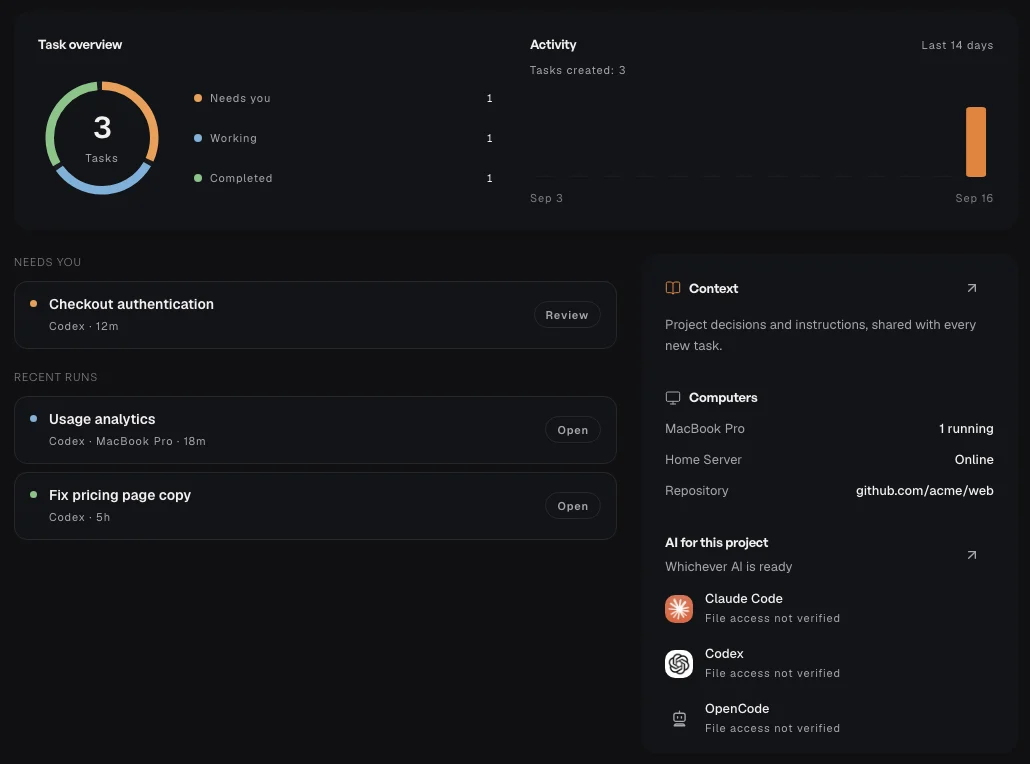
Open the project’s Context view to review saved discussions, decisions and rules. Add relevant decisions for future tasks.
If the agent reports no files, check the selected folder, computer connection and whether this is a separate Cloud task.