DocumentationStart here
Your first task
Go from a project to a result you can review.
Start small: “Fix the mobile navigation; check it at 390px and explain what changed.” A clear result and a check make the first task easier to assess.
Step by step
Sign in with your VECTA account. If access is pending, check your application in your account.
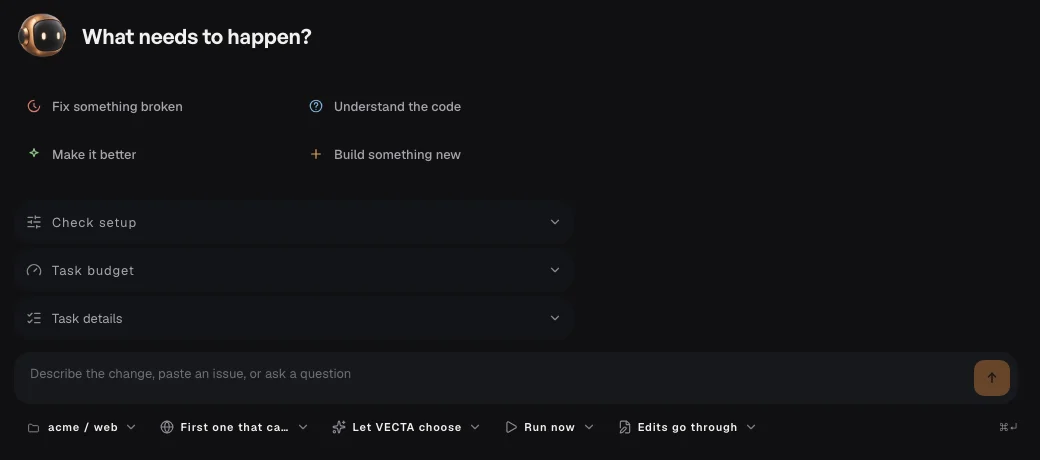
Open New task with the + button. Choose a project and check where the work will run.
Describe one concrete change and how to check it. Choose a ready agent, or use the available VECTA option.
Start the task. Follow its conversation, answer requests and review the result before accepting changes.