DocumentationWork with agents
Create and continue tasks
Give each change a clear goal and keep the conversation with it.
A saved conversation is not proof that a process is currently running. Read the task status: it may be waiting for you, paused, disconnected or ready for review.
Step by step
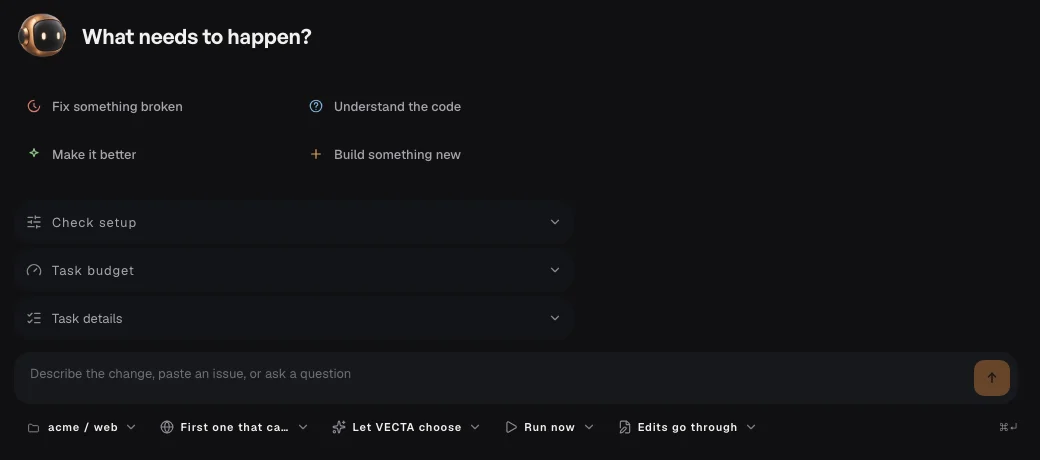
Choose + and select the project, agent and execution location in the draft.
Write the desired outcome, constraints and checks. Attach only information needed for this task.
After starting, open the task conversation to follow progress and requests.
Continue in the same task for follow-up changes. If a message is queued, check its state before sending it again.