DocumentationStart here
Projects and workspaces
Keep a project’s tasks and files together.
A workspace brings together people, computers and projects. A project groups work; each task has its own conversation and execution context. Do not assume every task automatically knows every other conversation.
Step by step
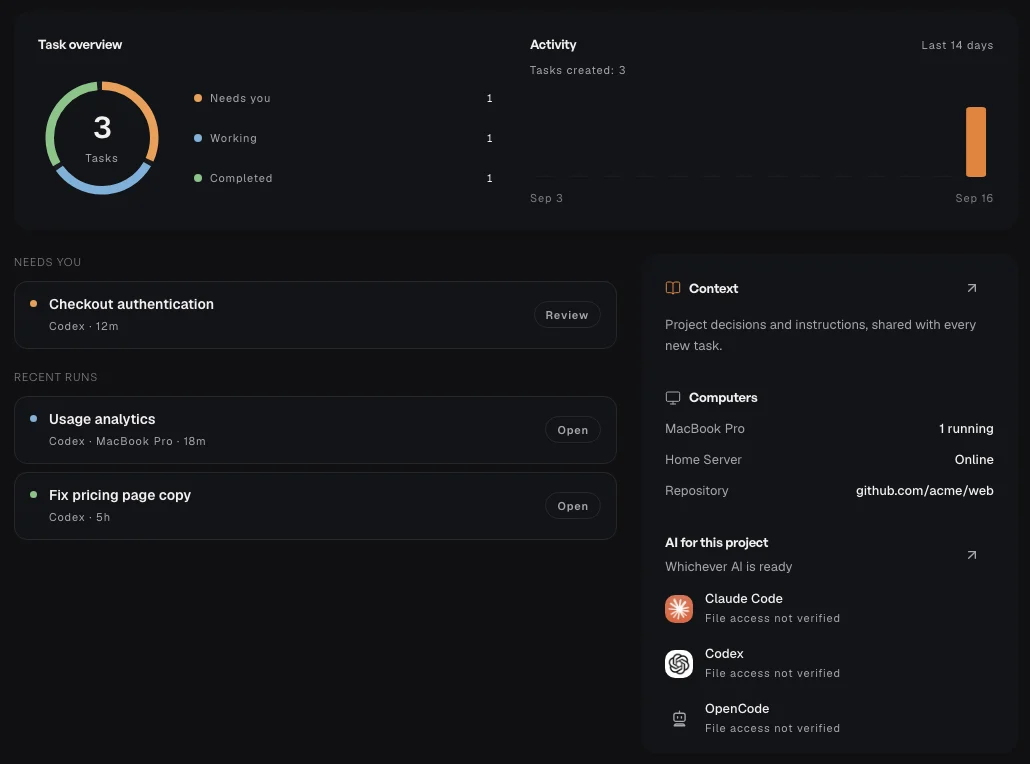
Open Projects in the sidebar and select a project to see its overview and tasks.
For an existing repository, connect the computer that holds its folder. Check the selected project before starting work.
For separate generated files, choose Create Cloud project and give it a recognisable name.
Create related tasks inside that project so their purpose is easy to follow.